Where It Begins
Enterprise Digital Transformation in need of Robust Design System
I joined the design efforts of Kuoni Tumlare (KT), a large travelling Japanese company. Most of the team was made up of fresh members, since the business was starting a brand new digital transformation initiative to unify multiple internal tools and processes.
My main job was to deliver the Design System, meaning the alignment with branding, the Figma library and design tokens, UI components and Storybook documentation.
The effort did not stop there, part of my work focused on adoption. This was accomplished through internal demos and dedicated trainings for all the designers and product owners who were making up the product teams.
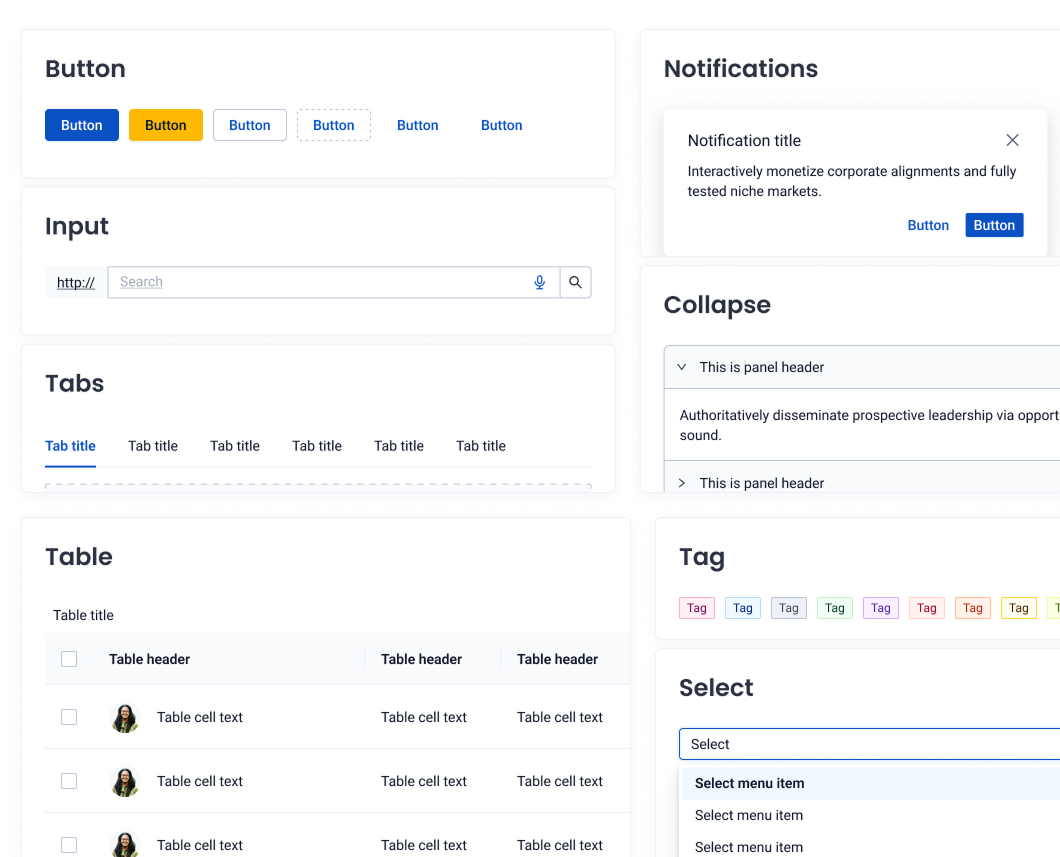
What Is Needed?
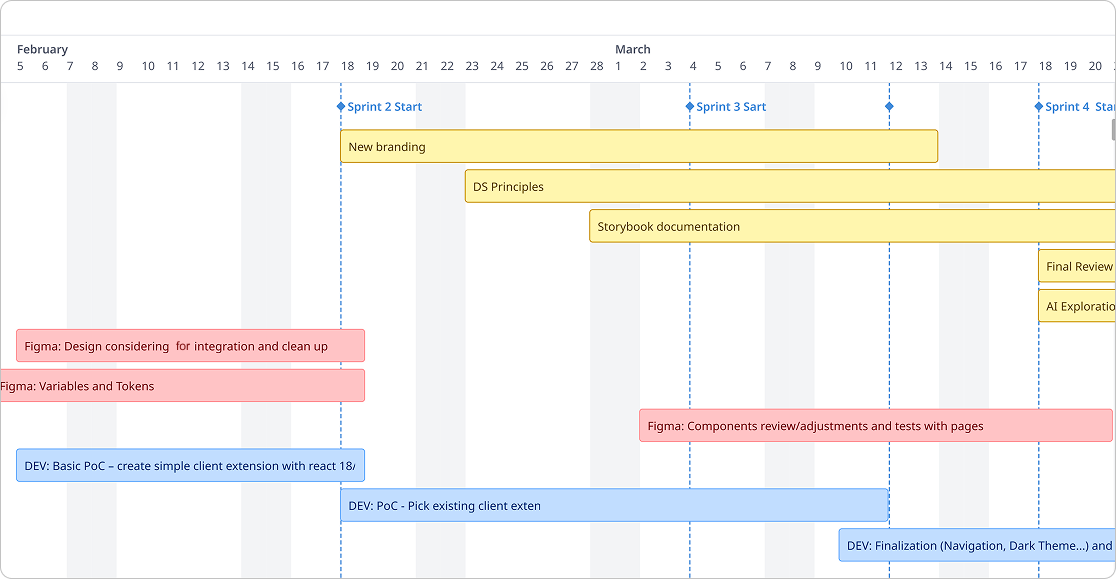
The Timeline
When I look back, I still believe the biggest challenge came from setting out an aggressive roadmap with ambitious milestones we wanted to hit.
Before the official kickoffs of the individual workstreams, the design system had to be setup and ready for use.
This translated to several critical items I needed to focus on, such as:
- incorporating the new branding into the theme;
- establishing and documenting the foundations and design principles;
- publishing new documentation and migrating old specs to Storybook;
- actively researching and exploring AI assisted prototyping techniques in the Design Sprints the teams ran.
What I Got My Hands On
Modern Tooling
Three key ingredients which matter the most: the tools, deep knowledge and active support from technical members.

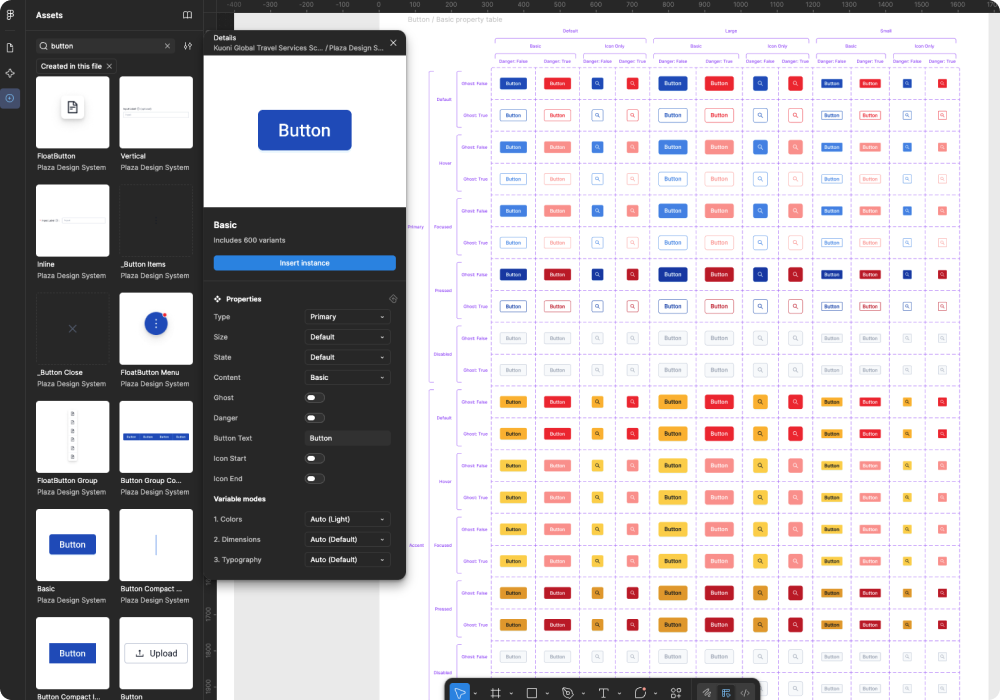
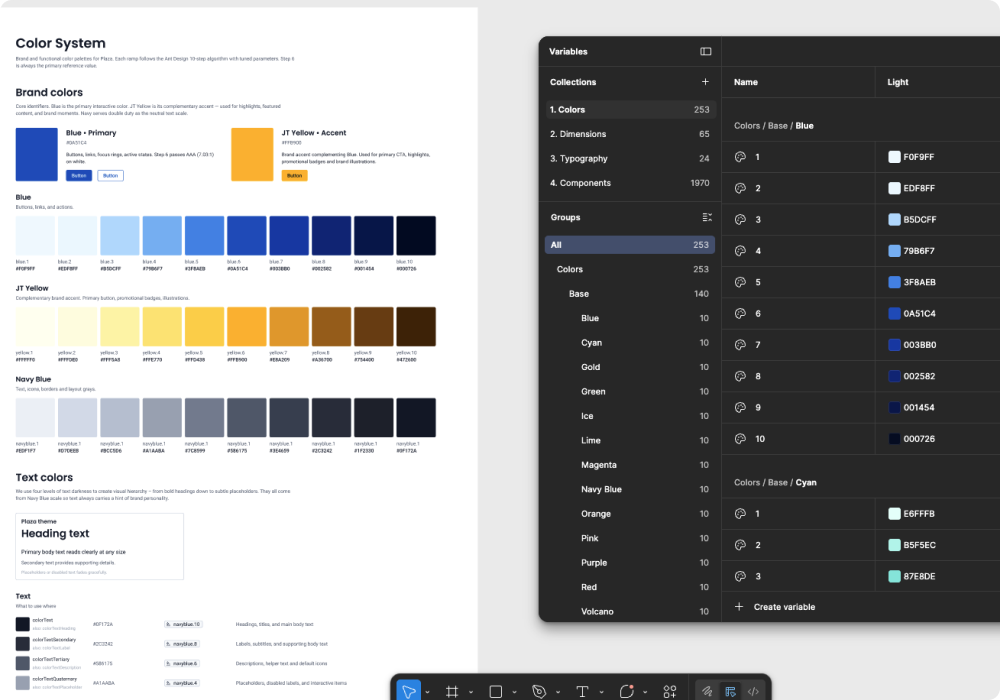
Figma
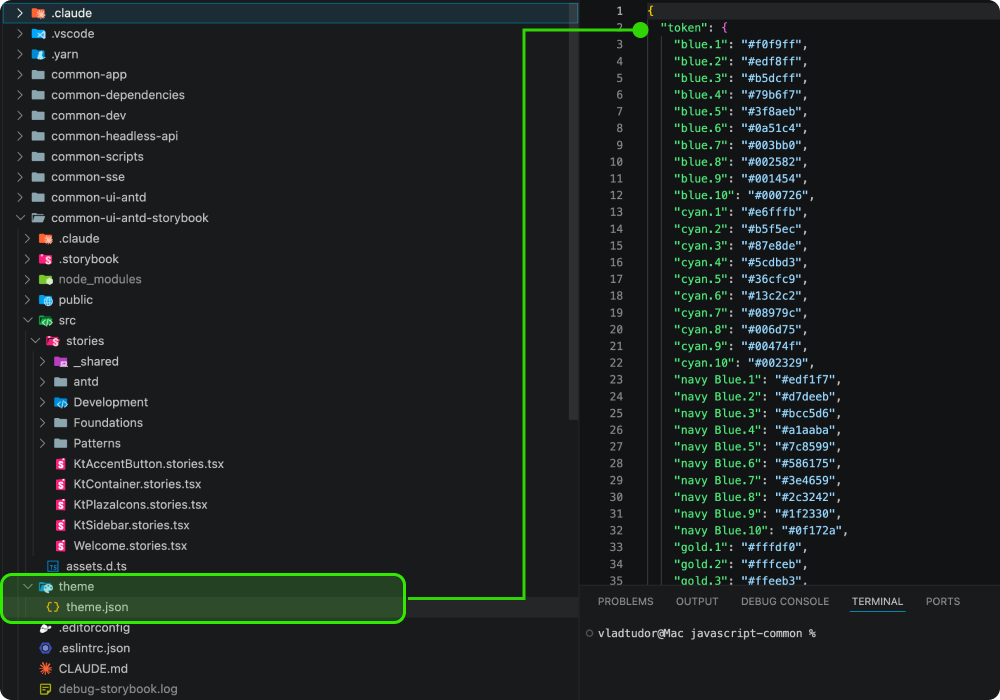
Design the UI Components and token management (json export)

Storybook
Live documentation and components showcased and tested.

Git & Bitbucket
Fast updates and re-deploys through Git to Bitbucket repository

Claude Code & Figma MCP
Scaffolding, Prompt to Design, Prompt to Code, and more...
What Is the Process?
Governance
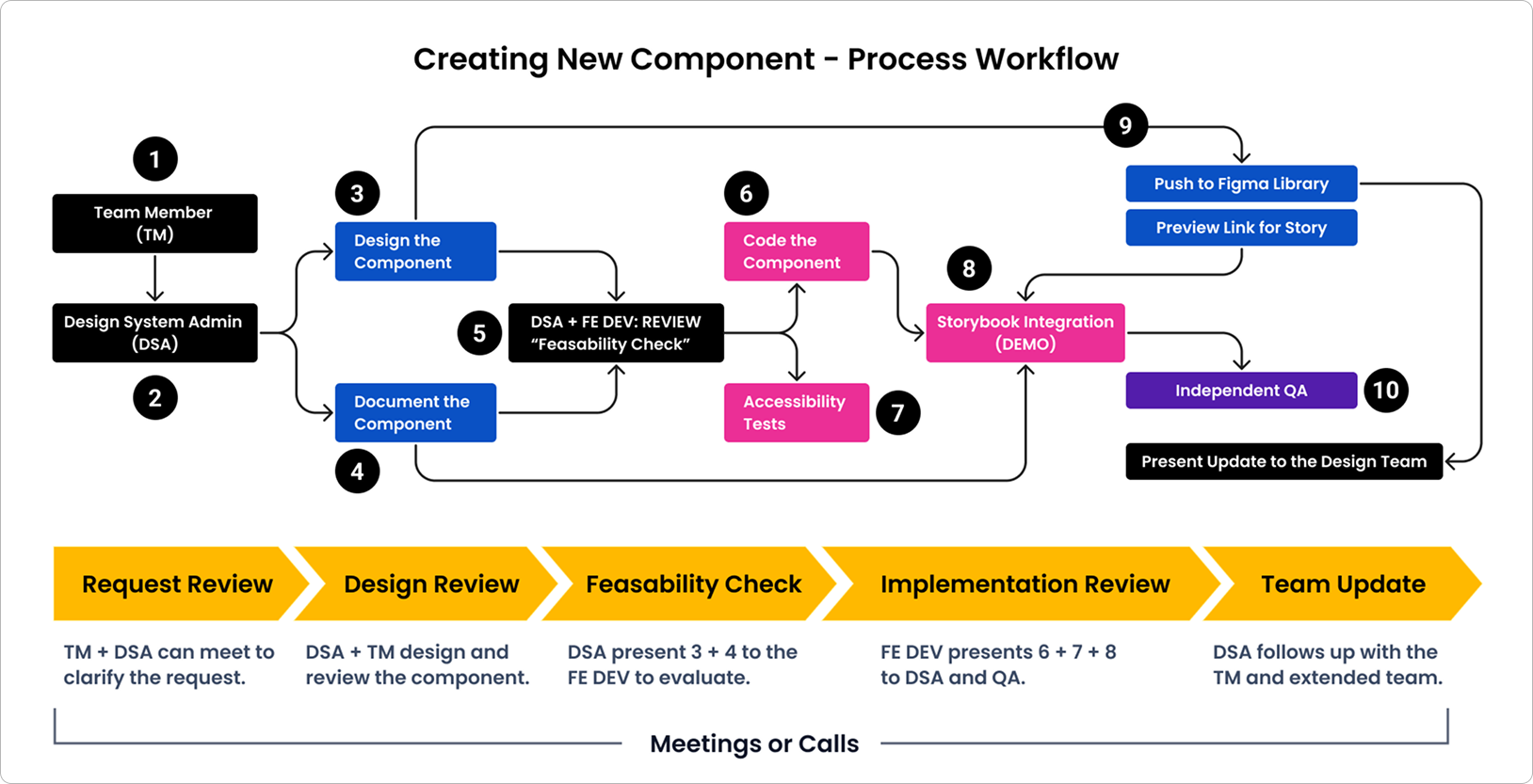
The end-to-end process the Design System team follows when creating a new component — from the initial team member request through design, development, accessibility checks, Storybook integration, and final delivery.
Get People to Use It
Onboarding and Developing the Team
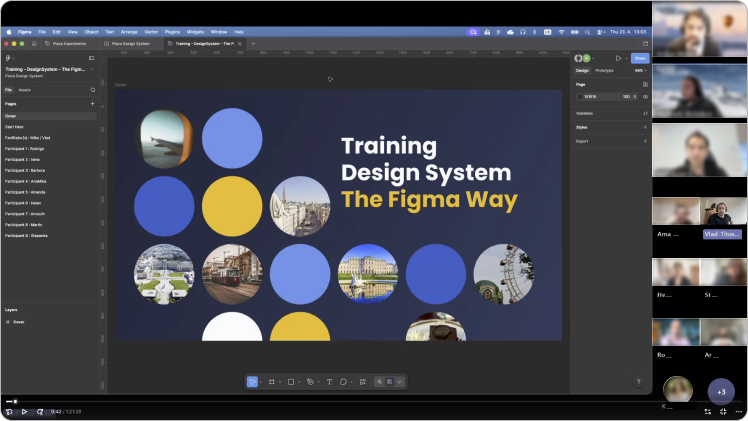
Only few months in and I already had co-authored and ran two trainings for the Product Designers and Product Owners on working with the new Design System.
The Figma Way
Setup the library correctly, navigate and instantiate available components, working with auto-layout and tokens.
AI Prototyping
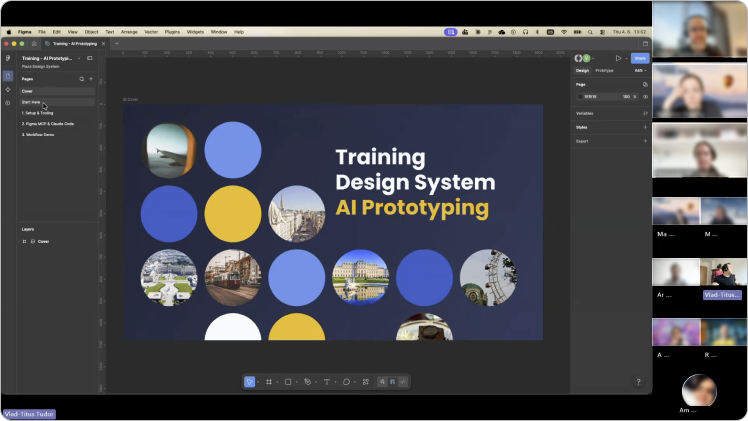
Understand Git, Bitbucket and Claude Code prepared commands for creating interactive prototypes.
Prototyping Powered by AI
The Ability to Scale Design
Not too long ago, we had to prototype mainly through mocking hotspots on our canvas or connecting UI elements and instances through arrows, resulting in a spider-web or noodle-soup.
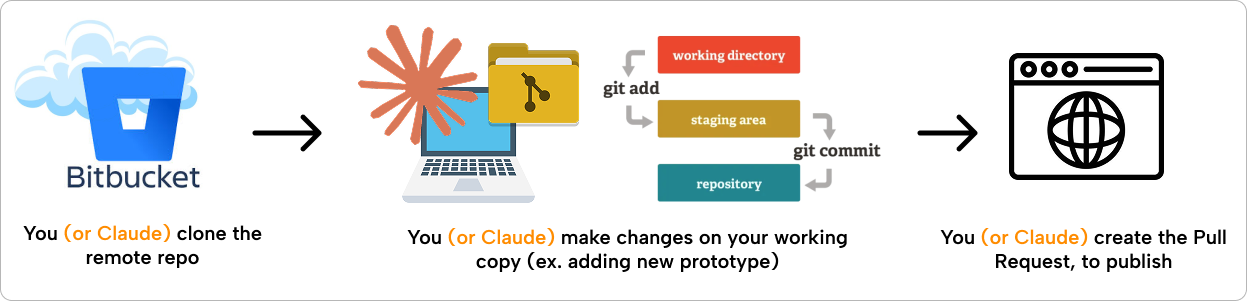
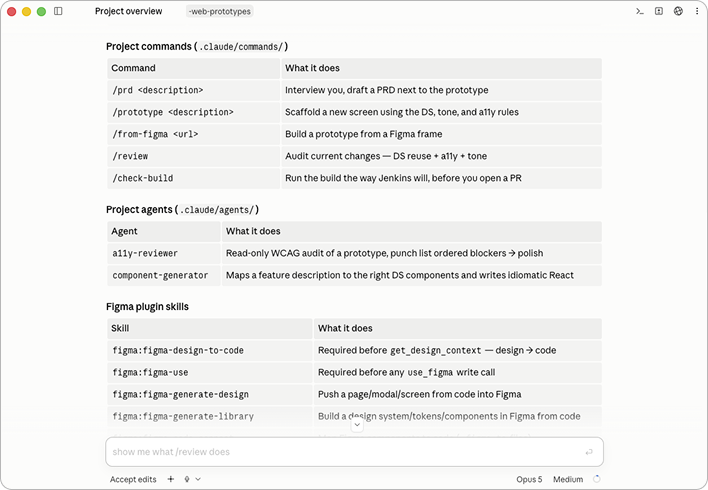
The operations were presented as a demo, all doable through the Claude Code Desktop app, as a user-friendly way for those not familiar with VS Code or the terminal window.
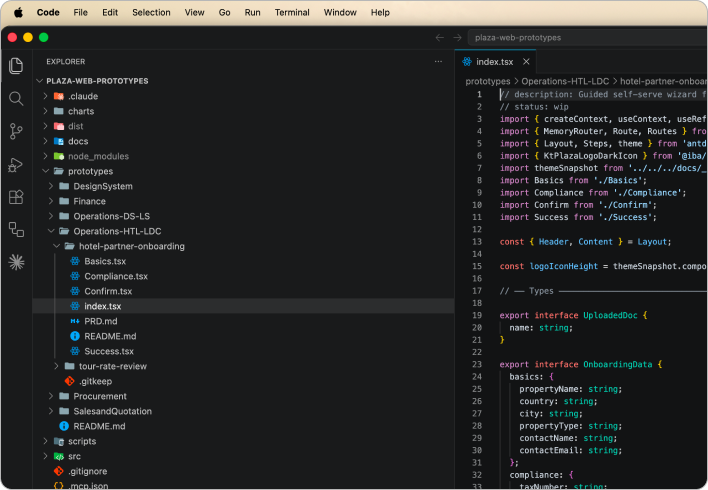
Behind the scenes, the codebase acts as an entire archive or bookstore where each product team can create their own prototypes or modify existing ones.